
Aadhaar Update Process: No Mobile Number Linked to Aadhaar? Here’s the Easiest Way to Update It for ₹75
UIDAI launches updated Aadhaar mobile app with simpler interface and new services for easy mobile number updates from home.
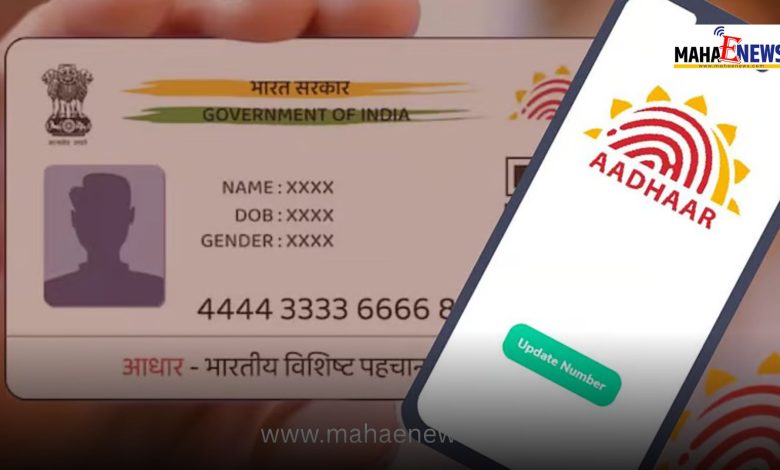
Unique Identification Authority of India (UIDAI) has recently launched an updated version of the mAadhaar mobile application, introducing several useful features for users. The new version comes with a simplified interface and a redesigned layout, making it easier for citizens to access Aadhaar-related services.
Although the process for updating a mobile number linked to Aadhaar Card remains largely the same, the option has now been moved to the “Services” section within the app. With this update, users can now submit a request to update their mobile number directly from home, reducing the need to visit an Aadhaar service centre.
The updated app also includes additional features introduced by UIDAI. Users can now verify any Aadhaar number through the app and lock or unlock their biometric data to enhance security. These services are now available directly on the mobile application.
Simple Steps to Update Mobile Number
-
First, download and open the mAadhaar app on your smartphone.
-
On the home page, go to the “Services” tab.
-
Click on “Update Mobile Number.”
-
Tap “Continue” and enter the new mobile number you want to link with your Aadhaar.
-
Enter the OTP received on the new number and complete the verification process.
-
Follow the on-screen instructions to finish the request.
Charges and Processing Time
Users will have to pay a ₹75 service fee for updating the mobile number. After completing the request, the application will be sent to Unique Identification Authority of India for processing.
Typically, the mobile number is updated within 10 to 15 days. Users can also track the status of their update request directly through the mobile app.